Not Your Bubbe’s Hebrew {Font}!

Oh, I am so excited about this project I can hardly type!  So, as you may have all figured out by now, I am totally in love with my Silhouette Cameo.  It cuts paper and vinyl and fabric (though I haven’t tried that one yet) and best of all, it cuts any font!  I knew even before I ordered it that I one of the things I wanted to be able to do try with it was cut Hebrew letters.  Just think, the possibilities for Judaica projects or even every day projects with a jew-ish flare are endless!  Here’s a little preview:

Hebrew name on t shirt

Silhouette Studio is the software that comes with the Silhouette that you can use to create whatever you are cutting.  The tricky part is that it only supports English.  So, here’s how to get cool Hebrew letters into Silhouette Studio (using Windows, sorry Mac folks) and cut out:

First of all, you may not know it, but many fonts you already own often contain Hebrew letters but using them can be a bit tricky since you aren’t sure where to find them, etc.  So, my first recommendation is that you install the Hebrew keyboard in windows so that you can easily access the letters.  This is really easy – here is a guide to adding input languages.  I also recommend selecting that the language bar be docked in the taskbar so you can easily switch between languages when you are working.  If you really want to make things easier on yourself, you can order some of these hebrew keyboard labels to doctor up your keyboard.

Then, open up a document in Microsoft Word, switch to Hebrew on your language bar and start typing.  I am working on a gift for a friend who’s daughter’s Hebrew name is Morasha.  Here you can see how it looks in several different fonts in Word.  Remember, just like English, Hebrew comes in both block and script fonts.  The standard ones that you probably have already, like Times, are pretty traditional (think prayerbook) Hebrew letters but there are some beautiful scripts out there that are really modern and chic.  Here’s a good list.  Of course, with these you can do all sorts of fun stuff using Word or whatever program you like!

Once you have your word or sentiment typed in Word, you’ll want to copy the word and then paste it into a blank Silhouette Studio document.  When you first paste it, it will appear backwards like it is in this picture.

Pasting Hebrew Letters into Silhouette Studio

So, you’ll want to right-click and then select “Flip Horizontally” so that you can see what it looks like and play around with the fonts.  The Hebrew fonts will show up on your font list in  Silhouette Studio even though you can’t type in Hebrew in the program.  I just love this “Dybbuk” font so after the flipping my word, I then selected a different font, sized it a bit and viola!

Hebrew Font in Silhouette Studio

Now, since I am going to put this on a T-shirt, I will need to flip this again horizontally for cutting out of heat transfer so that it will be in the right direction when I iron it on.  Don’t forget this step – I did the first time and cut it out in the wrong direction for ironing so sadly wasted some heat transfer material.  For this project, I used the Silhouette grey flocked heat transfer.  It looked great on the pink T!

But it would have been too plain to just have her Hebrew name all by itself, I needed to add some bling.  So, using a combo of rhinestones from my Silhouette kit, I created a lovely rhinestone butterfly for Miss M!

Iron-on Rhinestone Butterfly

The final product – a totally personalized Hebrew name T!  Perhaps we’ll be lucky and Miss M will even model it for us!

Hebrew name tee with rhinestone butterfly

Now that I know I can cut out Hebrew letters, what else should I make??  Any ideas?  Ooh, so many possibilities…

A SUPER SIZE NOSH!

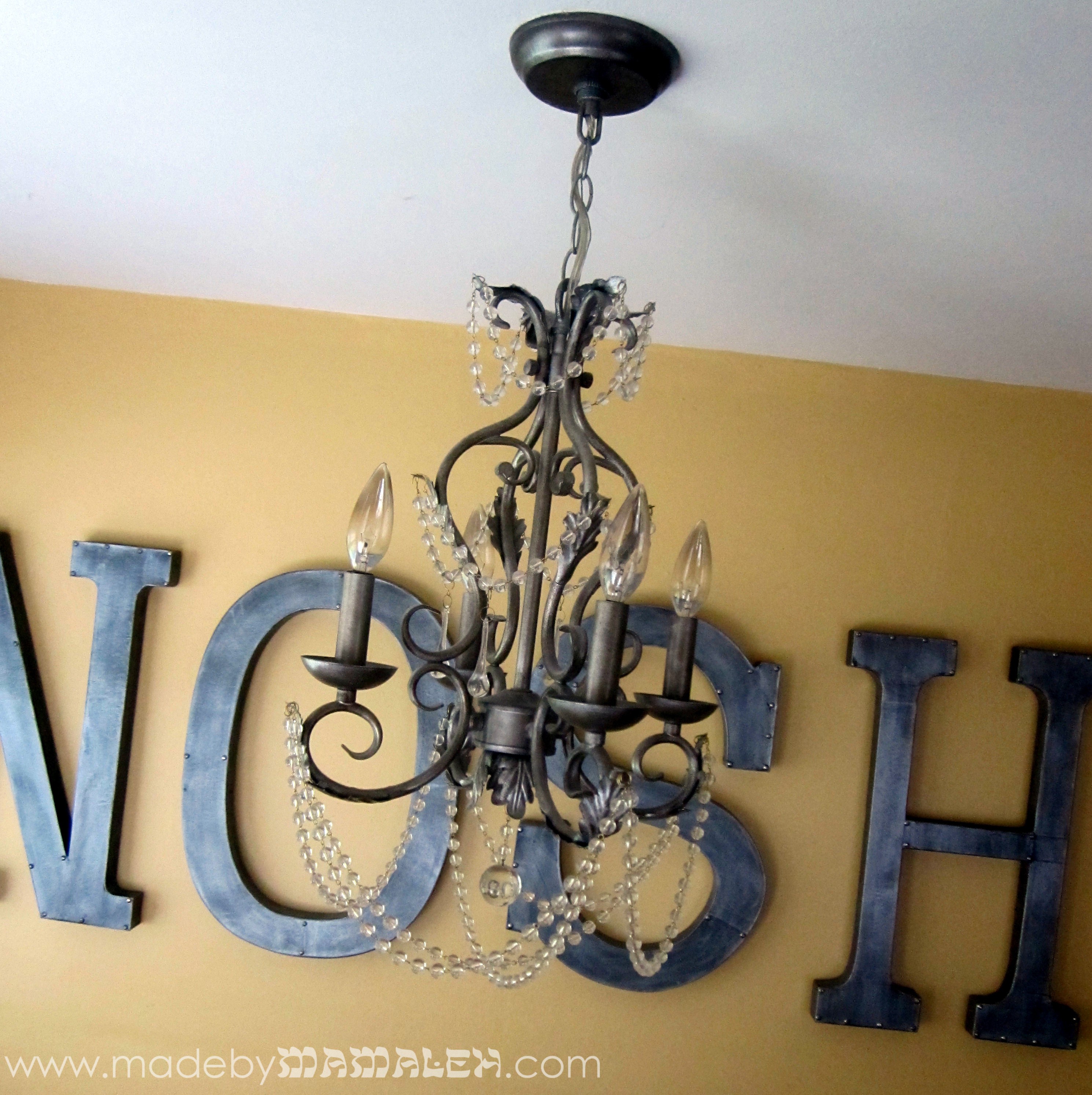
Large Faux Metal Nosh

I am so excited about my latest project, I’m not even sure where to begin!  If you’re like me, you’ve now become totally addicted to Pinterest.  It’s total eye-candy and inspiration for all of my crafty kindred spirits out there.  The trick to it though is actually following through on some of the ideas it generates.

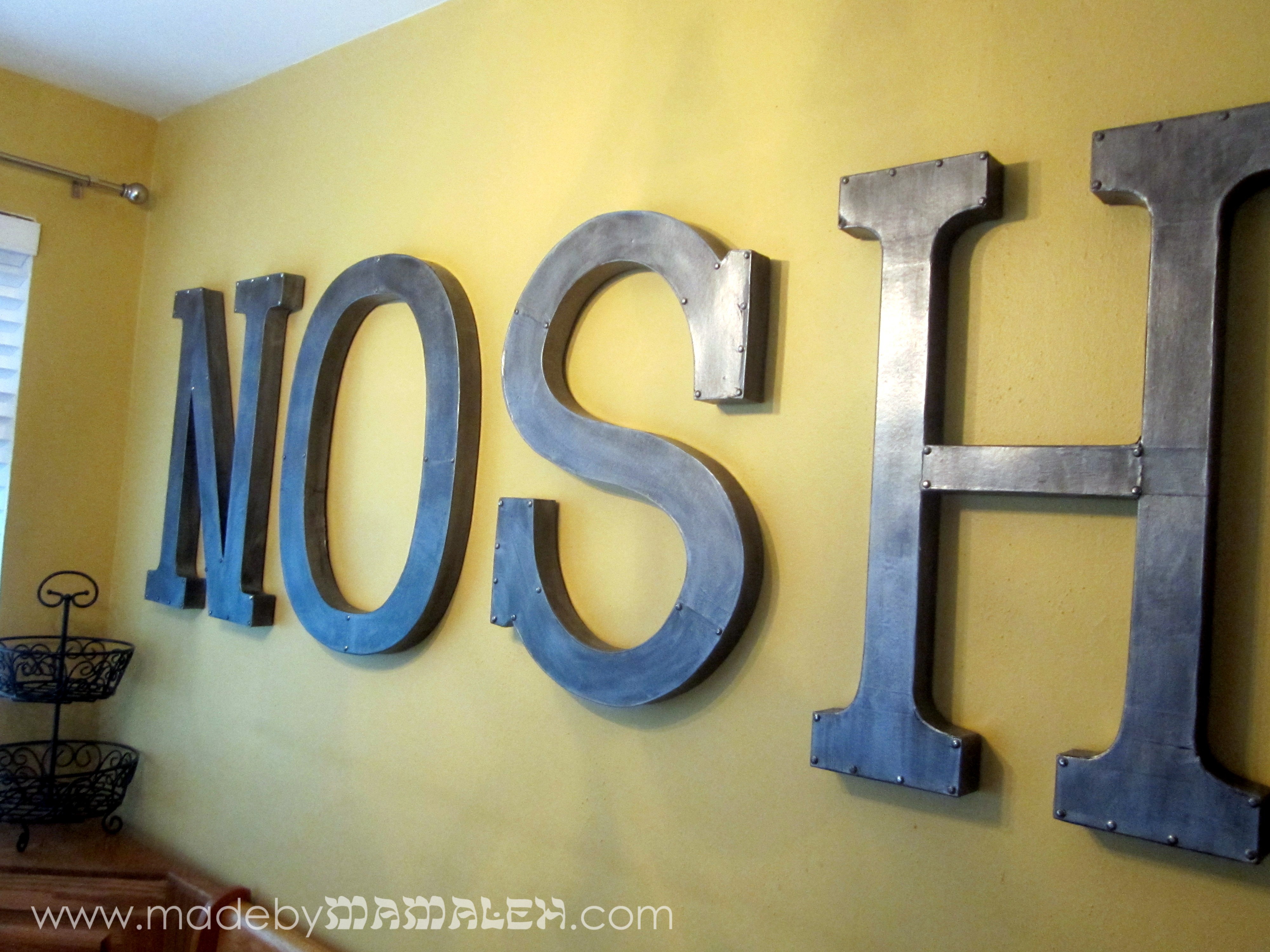
On my ever-growing idea list, I re-pinned a fabulous pin for an awesome tutorial on how to make faux industrial/metal letters from the blog Retropolitan and I knew I needed to make some for myself.  The only thing was I wasn’t sure what I needed them for or where I’d even put them.  At the same time, I had also been trying forever to come up with some art for our breakfast nook…I could do the word “EAT” but that was too boring and then in a moment of sheer genius Yiddishism, it came to me, “NOSH.”

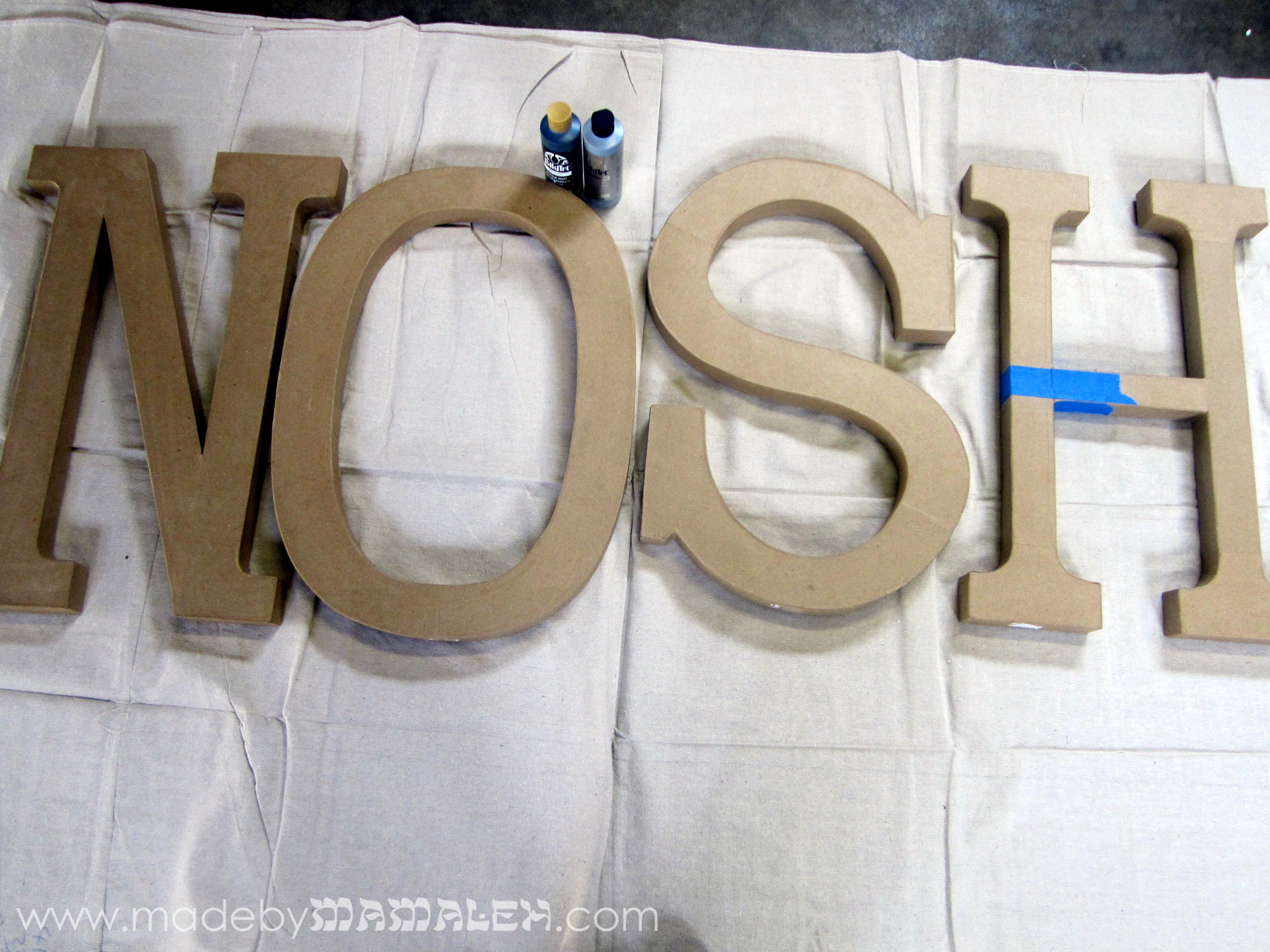
super-size paper mache letters

I had seen these super size 23″ paper mache letters at Joann that would be perfect for the faux metal finish.  I won’t go into how to get the finish, you can check out Retropolitan’s tutorial here – her technique is simple and brilliant and I totally agree with all of her suggestions, especially the brad detail!

I will give you a few hints for working with these super-sized letters:

  • Be sure to check them carefully at the store – some are really weak at the seams.  I had to go to two different stores to find letters that were fully intact. The best “H” still had minor damage that I patched with blue painter’s tape which worked just fine and was hidden by the paint.
  • I think because of their size, these letters are actually a bit more fragile than the ones in the tutorial so you need to take a little extra care when piercing them (I used a paper piercing tool) for the brads or you will be back to my first hint.
  • To hang the letters, I highly recommend the 3M Picture Hanging Strips.

Here is the final result, fun and inexpensive art for our breakfast nook with a Yiddish twist:

I LOVE the result!  Wonder what other Yiddish words I can turn into art…

Happy Spring!

The sun is finally out in Seattle and it’s feeling like spring.  I generally change the welcome sign by our front door with the change of seasons/holidays but the only one I have a with a Jewish flare is a “Happy Hanukkah” one.  So, I decided I wanted to do a simple Shalom (shalom is Hebrew for peace and also a greeting of hello).  I started with an 8×24″ canvas and a can of chalkboard spray paint.  Then, using my Silhouette Cameo cutting tool, I designed the word “Shalom” in the “Sholom” font in Silhouette Studio to fit the dimensions of the canvas.  Next, I cut out the word in vinyl to use as a reverse stencil on the canvas.

Adhering the vinyl directly to the canvas proved a bit tricky so I ended up spraying a coat of primer first just to give it a bit more to grip to.  Even then, it took a lot of patience to stick the vinyl letters to the canvas.  Once you have them in place, you just have to make sure they are really pressed down in order to minimize paint seepage.  Then it was time to spray the chalkboard paint.  You need two coats to get a good chalkboard surface.

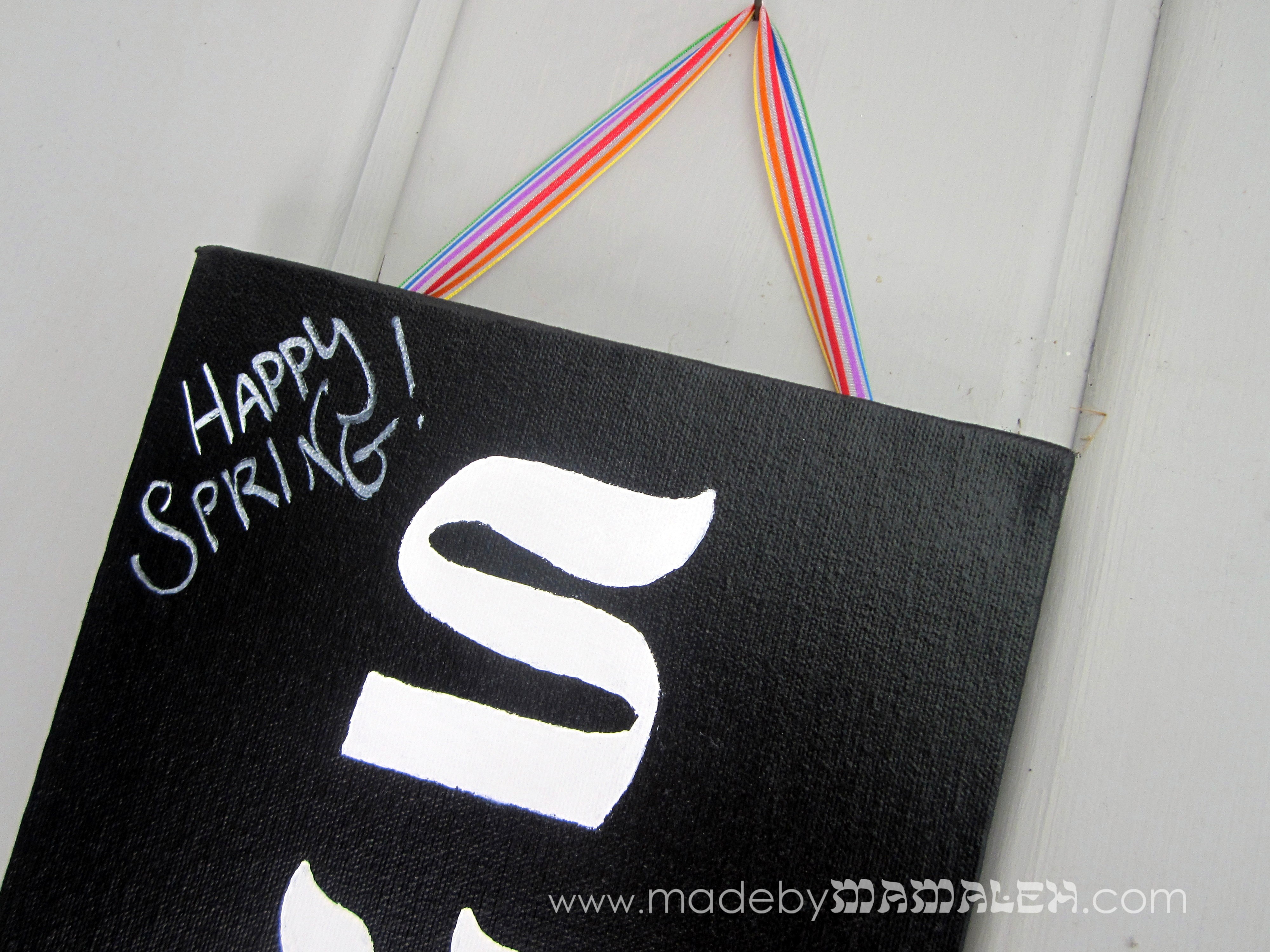
After the paint dried, the next step was to carefully remove the vinyl letters.  The edges were a little uneven and I could have left it for a rustic look but decided that I’d be happier painting over the letters with white paint to clean them up a bit.  I also attached some hanging hardware to the back so that I could attach a ribbon for hanging.  And if I ever wanted to move this indoors and put it on the mantel, you could do that too because the hardware is hidden in back. The beauty of this is that I can now change out the ribbon to fit my mood the season(can’t wait to use my matzoh ribbon for Passover!).

For the lovely spring day we’re having, I went with a nice rainbow ribbon, then added a little message with my chalk pen (also customizable to the occasion) and ta-da, our new welcome sign:

Hope you are out enjoying some sunshine!